
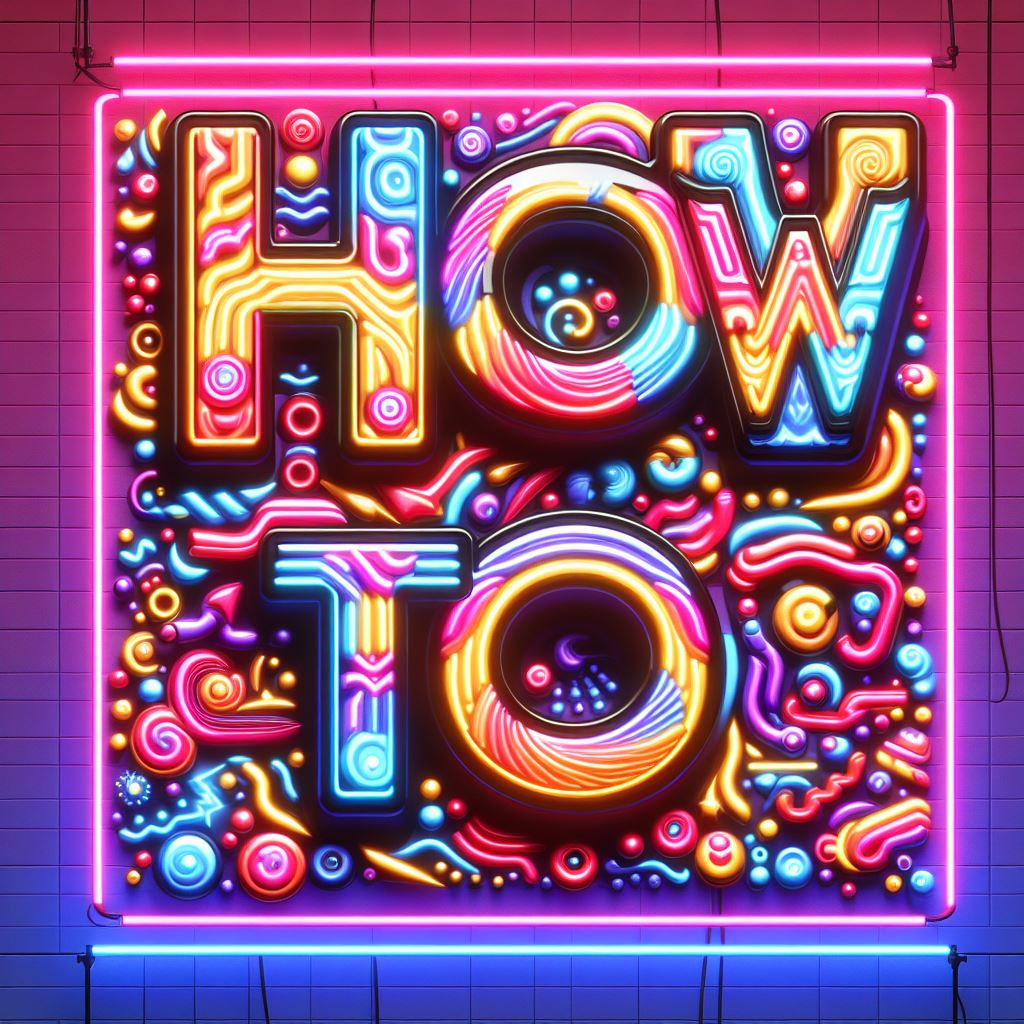
Creating glowing or bioluminescent effects in AI-generated art can add a striking and magical quality to your images. Here’s a list of 50 effects and techniques you can consider to achieve this:
1. **Radiant Blur**: Softening edges with a luminous halo effect.
2. **Glow Filters**: Applying various glow-specific filters for intensity.
3. **Neon Edges**: Highlighting edges with neon-like brightness.
4. **High Saturation**: Increasing color saturation for vividness.
5. **Light Streaks**: Adding streaks of light to mimic motion.
6. **Emission Maps**: Using emission maps for material-based glow.
7. **Bloom Effects**: Applying bloom for a soft-glow effect.
8. **Luminance Keying**: Isolating bright elements for enhancement.
9. **Chromatic Aberration**: Creating a prismatic glow around objects.
10. **Light Rays**: Adding rays of light for a radiant look.
11. **Subsurface Scattering**: Simulating light passing through translucent materials.
12. **Refraction Effects**: Light bending through objects for glow.
13. **Lens Flares**: Incorporating realistic or stylized lens flares.
14. **Gaussian Blur**: Using Gaussian blur for a soft glow effect.
15. **Color Grading**: Altering overall color for mood and glow.
16. **Backlighting**: Creating a glow effect through backlighting.
17. **Glow Brushes**: Using specialized brushes for painting glow.
18. **Radiosity**: Simulating the way light bounces off surfaces.
19. **Overexposure**: Deliberately overexposing areas for brightness.
20. **HDR Toning**: Applying High Dynamic Range toning for contrast.
21. **Iridescent Effects**: Creating multi-colored, shifting glows.
22. **Fresnel Effect**: Applying the Fresnel effect for edge glow.
23. **Volumetric Lighting**: Simulating how light fills a space.
24. **Screen Blending**: Layer blending for lighter, glowing areas.
25. **Particle Systems**: Using particles for sparkling effects.
26. **Radiant Gradients**: Utilizing gradients for a glowing transition.
27. **Aurora Effects**: Mimicking the natural glow of auroras.
28. **Bioluminescent Textures**: Incorporating textures that mimic natural bioluminescence.
29. **Negative Space Glow**: Utilizing dark areas to enhance adjacent glow.
30. **Selective Color Boosting**: Amplifying specific colors for glow.
31. **Light Painting**: Digital painting techniques for glowing effects.
32. **Optical Glow**: Creating an optical glow in post-production.
33. **Incandescence**: Simulating the glow of heated objects.
34. **Color Dodge**: Layer blending mode to brighten and saturate.
35. **Soft Light Overlay**: Overlaying soft light for a subtle glow.
36. **Specular Highlights**: Enhancing highlights for a shiny glow.
37. **Depth of Field Blur**: Blurring background for glowing focal points.
38. **Motion Blur**: Creating a trail of light with motion blur.
39. **Radiant Contrast**: Adjusting contrast for a glowing effect.
40. **Starburst Effect**: Adding a starburst to light sources.
41. **Anamorphic Bokeh**: Creating stylized, glowing bokeh effects.
42. **Light Wrapping**: Blending light around edges of objects.
43. **Orton Effect**: Combining sharpness and glow for a dreamy look.
44. **Glowing Edges Filter**: Edge detection filters for a glowing outline.
45. **Heatmap Colors**: Using heatmap style coloring for glow.
46. **Dynamic Range Expansion**: Expanding dynamic range for glow detail.
47. **Gradient Maps**: Using gradient maps for color and glow control.
48. **Laser Light Effects**: Adding laser-like light beams.
49. **Moon Glow**: Replicating the soft glow of moonlight.
50. **Firefly Glow**: Creating small, scattered points of light like fireflies.
Experimenting with these techniques can lead to a variety of glowing and bioluminescent effects in your AI art creations, enhancing their visual appeal and uniqueness.
 Tangents Brand : Free Entertainment, no BS
Leave a comment